1. A broadcaster
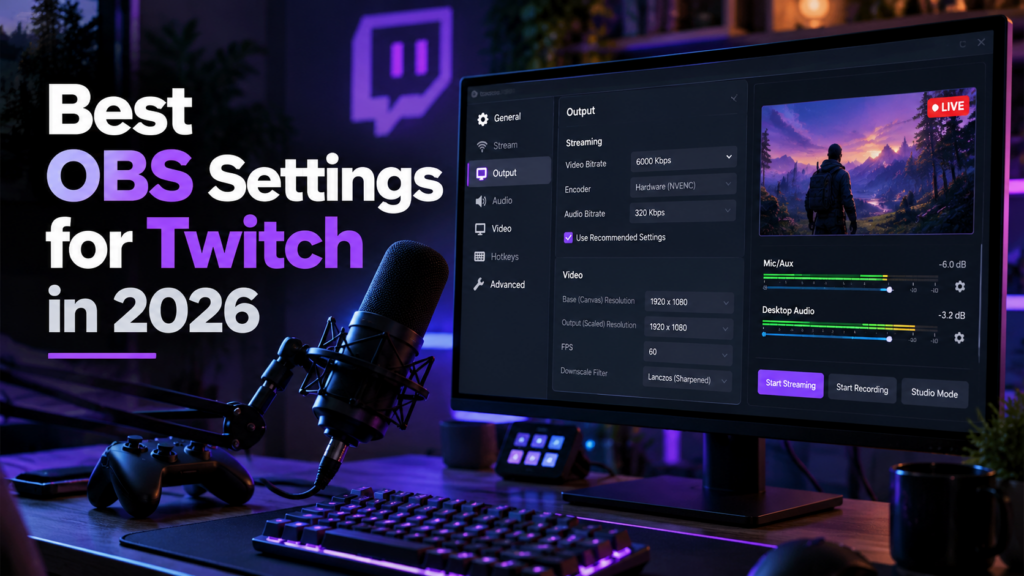
This is the program that captures your game, your camera and your microphone, mixes them into one video and sends it to the platform. Nothing else in your setup matters until this works. OBS Studio, Streamlabs and XSplit all do the same core job, and the difference between them is how much they do for you versus how much they let you change.
OBS Studio is free, open source, and the one nearly every guide and plugin assumes you are running. Streamlabs is OBS with a friendlier interface and alerts and overlays already built in, which saves setup time and costs some performance and some control. XSplit is the paid option and earns its money in production-heavy work rather than solo game streaming.
With no strong reason to choose otherwise, start with OBS Studio. It is the default everything else is written for. The full comparison, including where Streamlabs is the better call and why Enhanced Broadcasting support does not settle it, is in OBS vs Streamlabs.
2. Your audio chain
Audio is the part of a stream people leave over, and most of it is handled in software rather than bought. Before spending anything, spend an evening in your broadcaster audio filters: a noise gate to cut the room between sentences, light noise suppression for fan and keyboard hum, and a compressor so your excited voice and your quiet voice reach the viewer at roughly the same volume.
Set your microphone and your desktop audio to the same sample rate. Mismatched rates are the most common cause of drift, where your voice slides gradually out of sync across a long broadcast.
3. Alerts and overlays
Follower and subscriber alerts, chat boxes and on-screen counters are browser sources: a URL from a service like Streamlabs or StreamElements dropped into a scene. They are quick to add and quick to overdo. Two or three is plenty at the start.
Overlays are the same idea in static form. Free packs are genuinely fine early, and a clean layout with a readable webcam frame beats an animated one that covers the game.
4. A chat bot
A bot handles the moderation you cannot do while playing: link and spam filtering, caps limits, timed messages, and simple commands so you are not typing your schedule into chat every ten minutes. Nightbot, StreamElements and Moobot all cover this and all are free.
Set it up before you need it. The stream where you first need moderation is not the stream where you want to be learning the settings.
5. Everything else
Scene switchers, deck software, capture card utilities, plugin packs. All optional, and all easier to judge once the four layers above are stable. If you are still fighting dropped frames, more software will not help.